SLRSystematic Literature ReviewFrom Literature Discovery to Publication

STAGE 1 · GUIDED LEARNING WORKSPACE

Keyword Matrix & Boolean Search

Expand and review search terms, then combine concepts into a Boolean search string.

Step 3 of 7
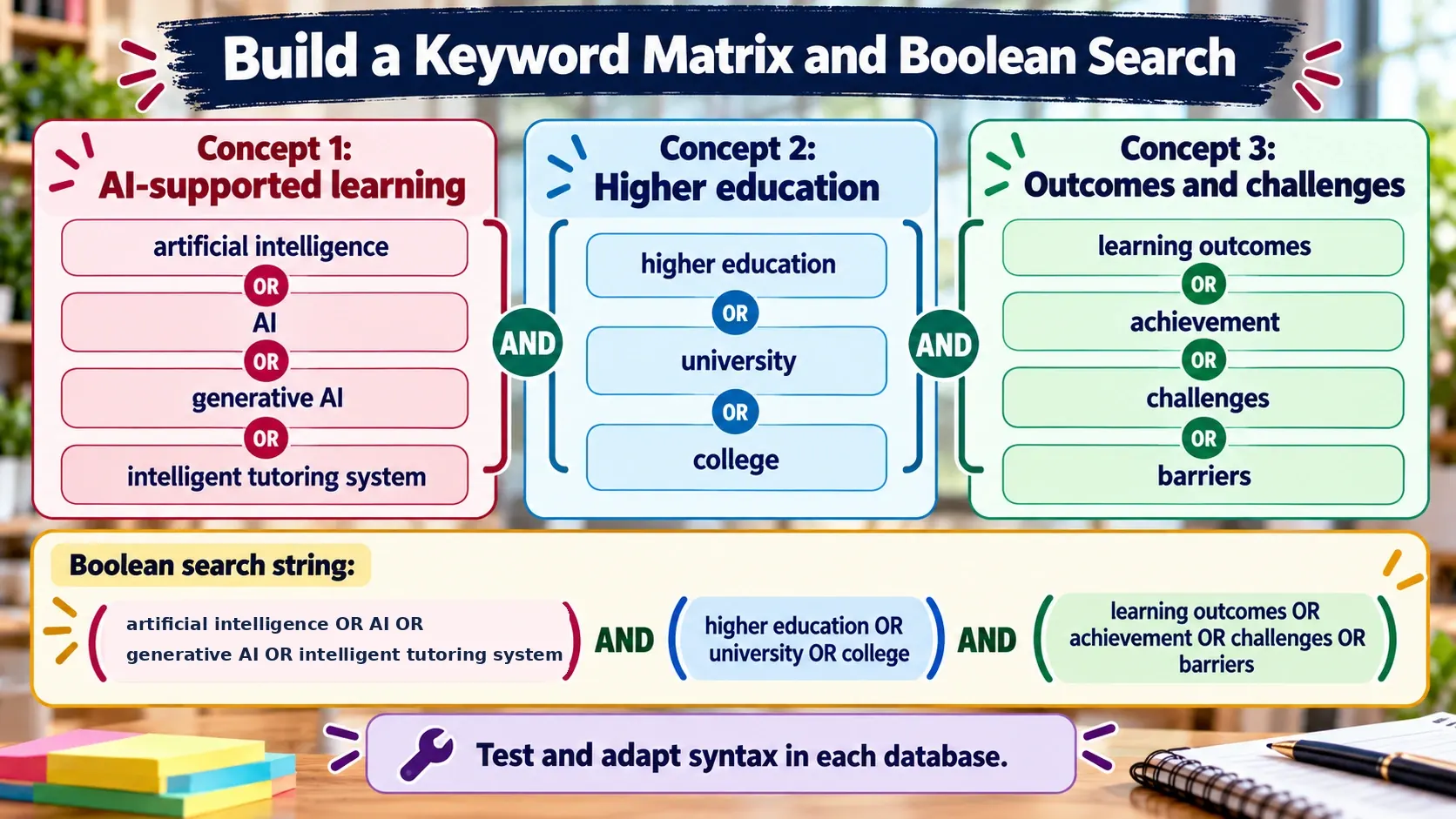
Keyword matrix with three concept groups and Boolean OR and AND operators.
Group related terms with OR; connect distinct concepts with AND.
One hands-on workflow: concepts → candidate terms → Boolean string

Start from your Stage 1 topic and research questions. You choose which terms belong in the matrix; the builder then applies OR within each concept and AND between concepts.

ESTIMATED HANDS-ON TIME30–45 min
You are ready to continue when

The concept groups and synonyms are reviewed, and a Boolean string has been tested and refined in a database.

3. Build your keyword matrix and Boolean search

Identify 2–4 main concepts from your topic or research question. Add synonyms, acronyms and spelling variations in the same concept group. Use Gemini only to brainstorm candidate terms; review them before adding them to your matrix.

Worked example

Concept A: explainable AI, XAI, explainability
Concept B: intrusion detection, anomaly detection
Concept C: IoT, Internet of Things

Draft: ("explainable AI" OR XAI OR explainability) AND ("intrusion detection" OR "anomaly detection") AND (IoT OR "Internet of Things")

Optional: use Gemini to suggest search terms

Generate a prompt from your saved Stage 1 topic, research questions and current matrix. Copy it into Gemini. Ask for candidate synonyms and variations, then select relevant suggestions and add them to the matrix above.

Gemini sign-in and SLR guide ↗
Review before using: Gemini’s terms are suggestions, not validated keywords. Keep only terms that fit your concepts and can be supported by relevant papers or database records.

Generate your Boolean search string

OR joins alternatives within a concept. AND combines concept groups. Parentheses preserve the intended logic. Leave optional concepts blank.

This is a draft search string. Test whether it retrieves known relevant papers, inspect results, and adapt field tags, phrase marks or wildcards for each database. Record the exact query and changes in the Search Log.
Before moving to database selection: Complete the Search Readiness Checklist →
Saved locally when you type
← Previous
📚 Stage 1 Articles, Guides & Videos →