From an idea to a published solution
This learning path connects GitHub, Figma, Google Stitch and Google Vids in one practical workflow.
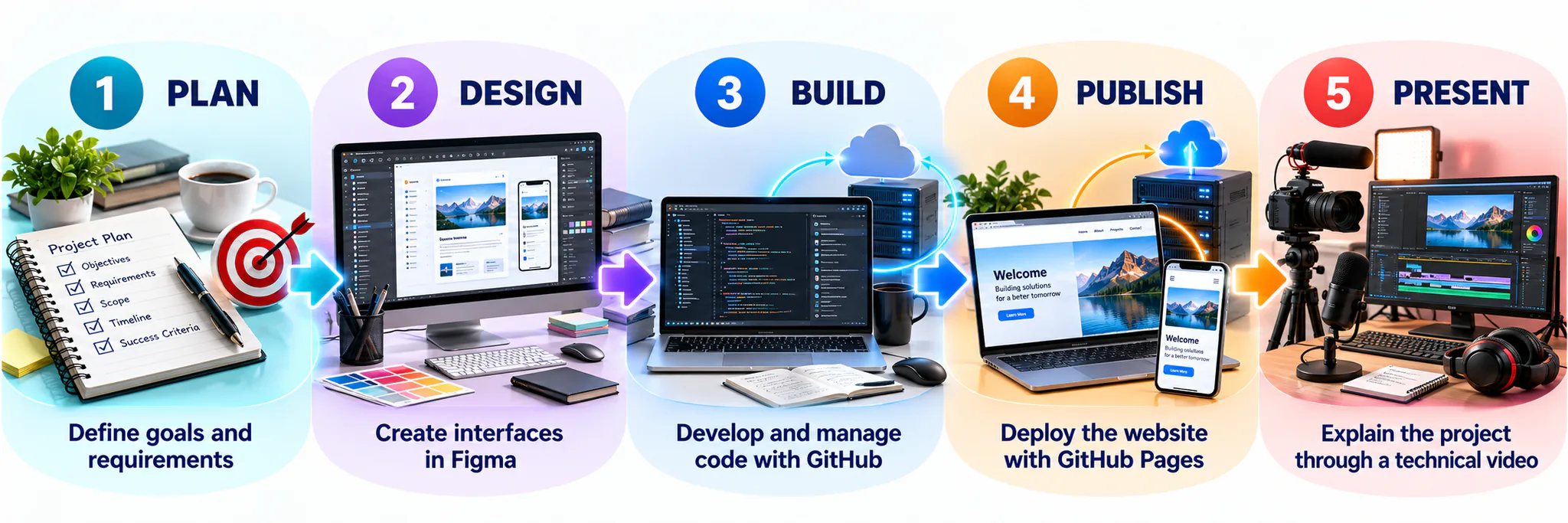
Learning outcomes
- Create, document and manage a GitHub repository.
- Apply for the GitHub Student Developer Pack and identify benefits relevant to data engineering.
- Evaluate a professional GitHub profile and improve your own profile.
- Use a developer roadmap to plan relevant, achievable skills.
- Explain how Malaysian organisations and global companies use public GitHub repositories.
- Use GitHub Desktop to commit, push and pull project files.
- Publish a static website using GitHub Pages.
- Write structured project documentation using Markdown.
- Create and share interface designs using Figma and Google Stitch.
- Produce and share a short technical presentation using Google Vids.
GitHub
Create your repository, manage files, publish a website and document your work.
Figma
Turn your ideas into a structured interface and interactive prototype.
Google Stitch
Use natural-language prompts to generate and refine interface concepts.
Google Vids
Communicate your process and outcome through a concise technical video.
Integrated workflow
| Stage | Tool | Expected output |
|---|---|---|
| Manage and publish | GitHub | Repository and GitHub Pages website |
| Design | Figma | Dashboard prototype |
| Generate and compare | Google Stitch | Prompt and interface concept |
| Explain and reflect | Google Vids | 60–90 second presentation |
Articles, reports and videos
After completing the four tool lessons, use the curated Further Learning page to deepen your understanding through official articles, professional reports and video libraries.
Explore Further LearningBefore you begin: Use accounts that you can access throughout the semester. Use a professional username and test every shared link in a private browser window.
Topic 02 evidence tracker
Use this checklist to monitor the required evidence. Progress is saved in this browser.